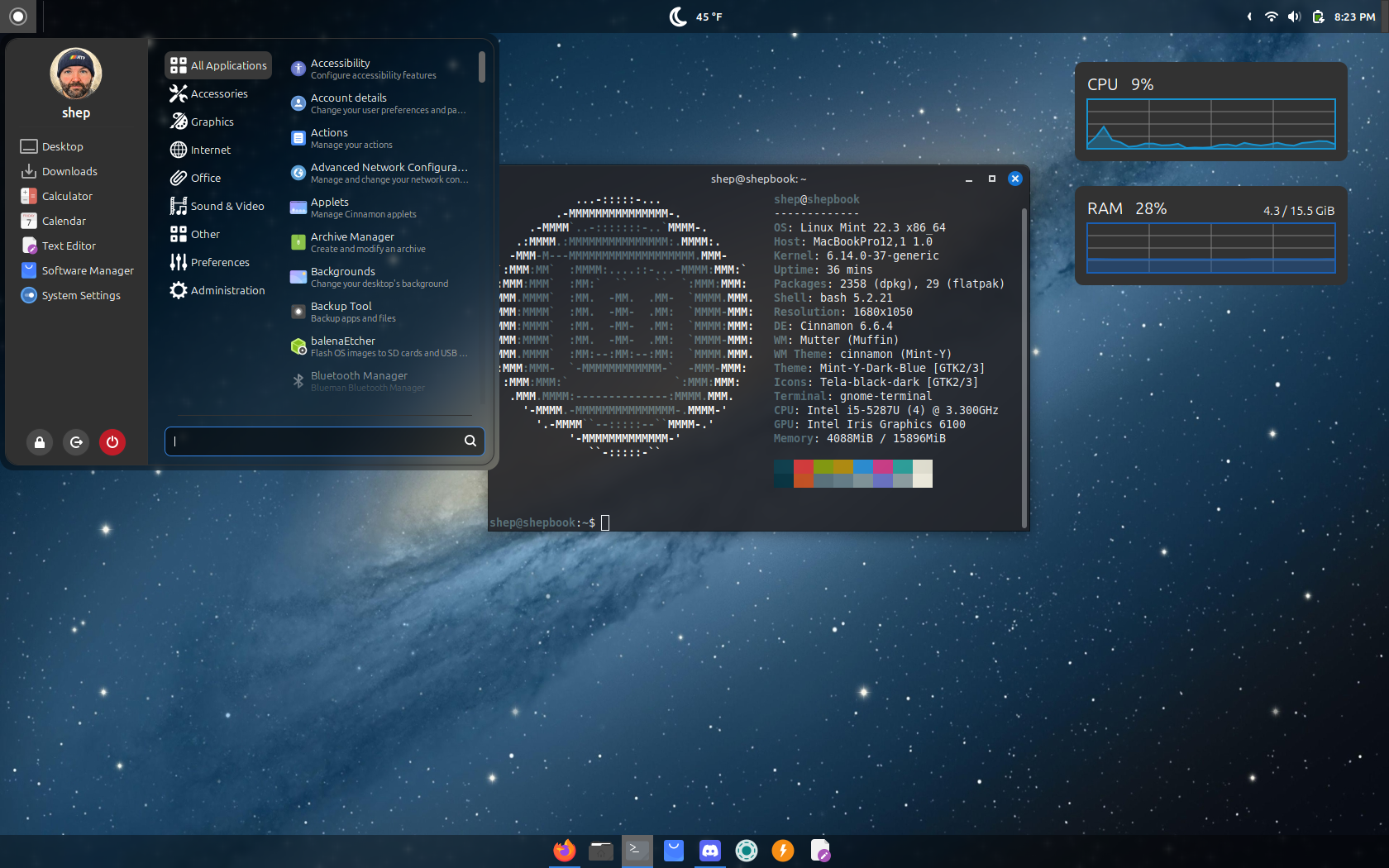
I have a 2015 MacBook Pro that still runs just fine but is no longer supported by Apple. It has 16 GB of RAM and a core I5 Intel processor. Since it was no longer getting updates from Apple, and the most recent version of macOS it did support was starting to get sluggish, I decided to repurpose the machine as a Linux machine. About 2 years ago, I installed Linux Mint and I was blown away by how it rejuvenated an old machine. Since then, I have experimented with ZorinOS and Fedora KDE Plasma. I won’t go into technical details, just some quick thoughts on each distro that I tried.
Linux Mint
Linux Mint is the first distro I installed and it is, by far, the most stable for this computer. I’m running Cinnamon Edition and performance on it is great. Mint provides a great experience for people trying out Linux for the first time. Anyone that has ever used Windows will feel right at home.
Most of what I do on my MBP is write, browse the web and Discord, and download media. Mint handles all of these things with ease. I never have any freezes or crashes. Battery life seems to pretty decent for a 10 year old laptop as well. You can customize the desktop environment with relative ease, though it’s not as customizable as other desktop environments, like KDE. I’m currently running the recently released Linux Mint 22.3.
Zorin OS
Zorin OS is my second favorite distro that I’ve tried. Instead of the Cinnamon desktop environment, Zorin uses Gnome. If you don’t like Gnome, Zorin might not be for you, but Zorin has a much more modern interface and you can tweak the appearance to look like almost any OS, including Windows or macOS. One of the best things about Zorin is connecting to One Drive out of the box was simple. This is not something I’ve been able to get working on Mint.
One of the reasons I did not stick with Zorin is that performance on Zorin was much worse than on Mint. While not awful, apps were definitely slower to launch, the file manager seemed slower, and I had an issue with the battery indicator that drove me insane. After 2-3 times of unplugging the power cord on my laptop, the system would start to think my battery only had 8-9% left. The only thing that would resolve it would be rebooting the machine. I had to do this multiple times per day. The battery also seemed to discharge quicker on Zorin. Though, this has always been the case on any Gnome distro I’ve tested over the years.
Fedora Plasma Edition
Fedora Plasma Edition was probably my least favorite distro. After seeing a ton of videos on YouTube about how great Fedora and KDE was, I thought I’d give it a try. Pretty much right from the start I was met with random crashes, especially with Plasma. Any time I would try to apply a new theme or style, some process would crash. That was another thing that was annoying. If you like options, KDE has you covered. In fact, most times there seemed to be too many options.
While the system did seem snappier than Zorin, I could not deal with the number of crashes I would run into just changing normal system settings. The other thing that was really annoying was that I could not connect to my regular WiFi network. For whatever reason, Fedora did not like the WPA3/WPA2 authentication my network uses. I had to connect on my WPA2 only IoT network just to get internet access. I did not have this issue on any other distro I tried.
Overall, I’m glad that there are so many Linux options to choose from for pretty much any hardware you want to throw at it. I love that I’m still able to get life out of a laptop that is over 10 years old, especially as computer hardware prices continue to rise. As long as the battery holds out (at the point I have to replace the battery, it will probably no longer be worth keeping), I have no plans on retiring this machine. If you have any old hardware laying around, give Linux a shot.